Skip to content

General scribe

Noteable vs Heidi Health

Choose Heidi to draft the consult. Choose Noteable when the same NDIS client still needs context next week.

Same session, two jobs. Heidi is the stronger fit when the job is a faster consult note into an EHR. Noteable is the stronger fit when that NDIS client still needs last time, follow-ups and a reviewable draft next week.

Choose Noteable if…

When Noteable is the better fit

  • You write NDIS session notes that have to make sense to you next week, or to someone covering.
  • You already have a practice system or EHR and do not want the documentation tool to become your invoicing system.
  • You want a structured draft you review before it is final, kept with that client’s goals and follow-ups.

Choose Heidi Health if…

When Heidi Health is the better fit

  • The main job is a faster consult note, letter, or handout during or after a visit.
  • You want ambient documentation and dictation that send outputs into an existing EHR.
  • The workflow can end once the note is in the chart — ongoing NDIS client memory is not the job.

Where the difference shows up

The same grocery-shop session

You supported Sam with community access: grocery shop, eight items from the list, one prompt at self-checkout, follow up the budgeting spreadsheet next week.

In Noteable

You recap on your phone, review a structured draft (support provided, what happened, client response, next time, related goal), and finalise. Next week the client record still shows the spreadsheet follow-up before you start.

With Heidi Health

You capture the consult, generate the note, and send it into the EHR. Next week you open that chart note. Heidi’s public pages describe consult documentation, dictation, and EHR workflow — not an NDIS client-memory layer as Noteable uses it.

At a glance

Decision-relevant differences

Horizontal comparison table. Focus this region, then use arrow keys or scroll to see every column.

Where Noteable and Heidi Health differ
AreaNoteableHeidi Health
Designed to doNDIS session notes, client context between sessions, and a record you can export.AI care partner for clinicians: consult notes, dictation, evidence lookup, and related clinical tasks.
Typical workflowVoice or typed recap → structured draft → you review → finalise against the client.Transcribe or dictate the visit, generate documentation, send outputs into the EHR after the consult.
Next week’s contextLast time, what works, follow-ups and goals sit on the client record.Consult history is available in the chart workflow Heidi describes; NDIS client memory is not the public product focus.
Invoicing and schedulingPlan sessions and connect selected calendars read-only. Keep invoicing in the tools you already use.Designed to send documentation into existing EHR / practice workflows. Practice-plan EHR integration is listed on Heidi’s pricing page.
Human reviewA draft is not the session record until you accept it.Clinician review of generated documentation is part of a scribe workflow. Confirm current behaviour in a Heidi trial.
Public plans (25 August 2026)A$29 per active user per month on noteable.com.au/pricing.Heidi publishes Free, Clinician, and Practice plans on its Australian pricing page. Amounts are currency-specific — confirm on that page rather than a third-party review.
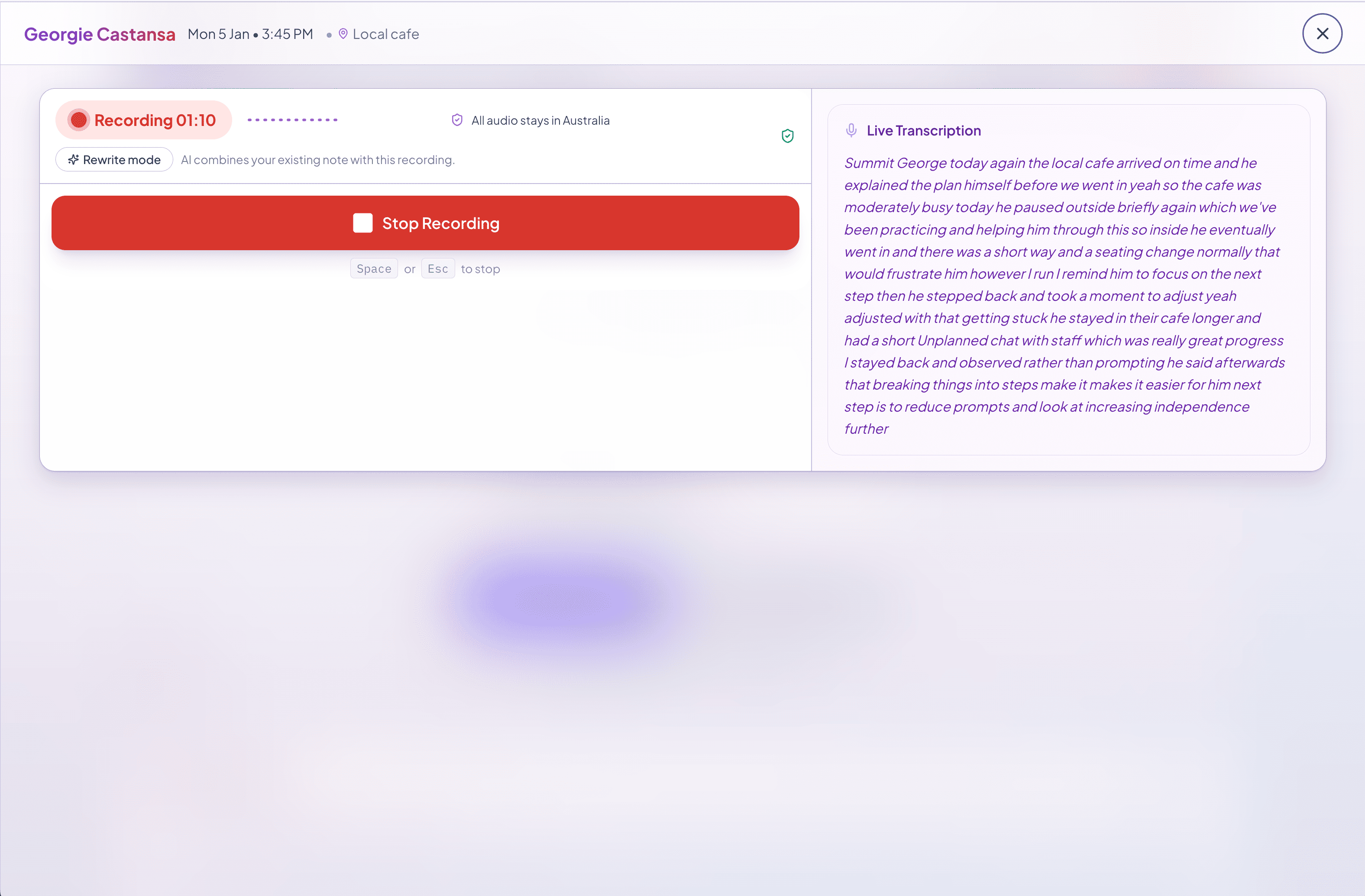
Noteable session capture: a rough recap organised into a structured draft ready to review.
The recap becomes a structured draft. Nothing is final until you accept it.

In the product

The recap becomes a draft you can check

In Noteable, the grocery-shop recap lands as fields you can edit. The follow-up stays with Sam, not only inside last week’s paragraph.

Next step

Try the same recap-to-draft flow

Speak or type the grocery-shop recap. Check the structured draft before anything is final.