Finish your note while the details are fresh.
Speak or type a session recap. Review a structured draft, check the goal links, and finalise the note when it reflects what happened.
14 days free. No card required. You review every note.
You review the draft before anything is final.
01 · Capture
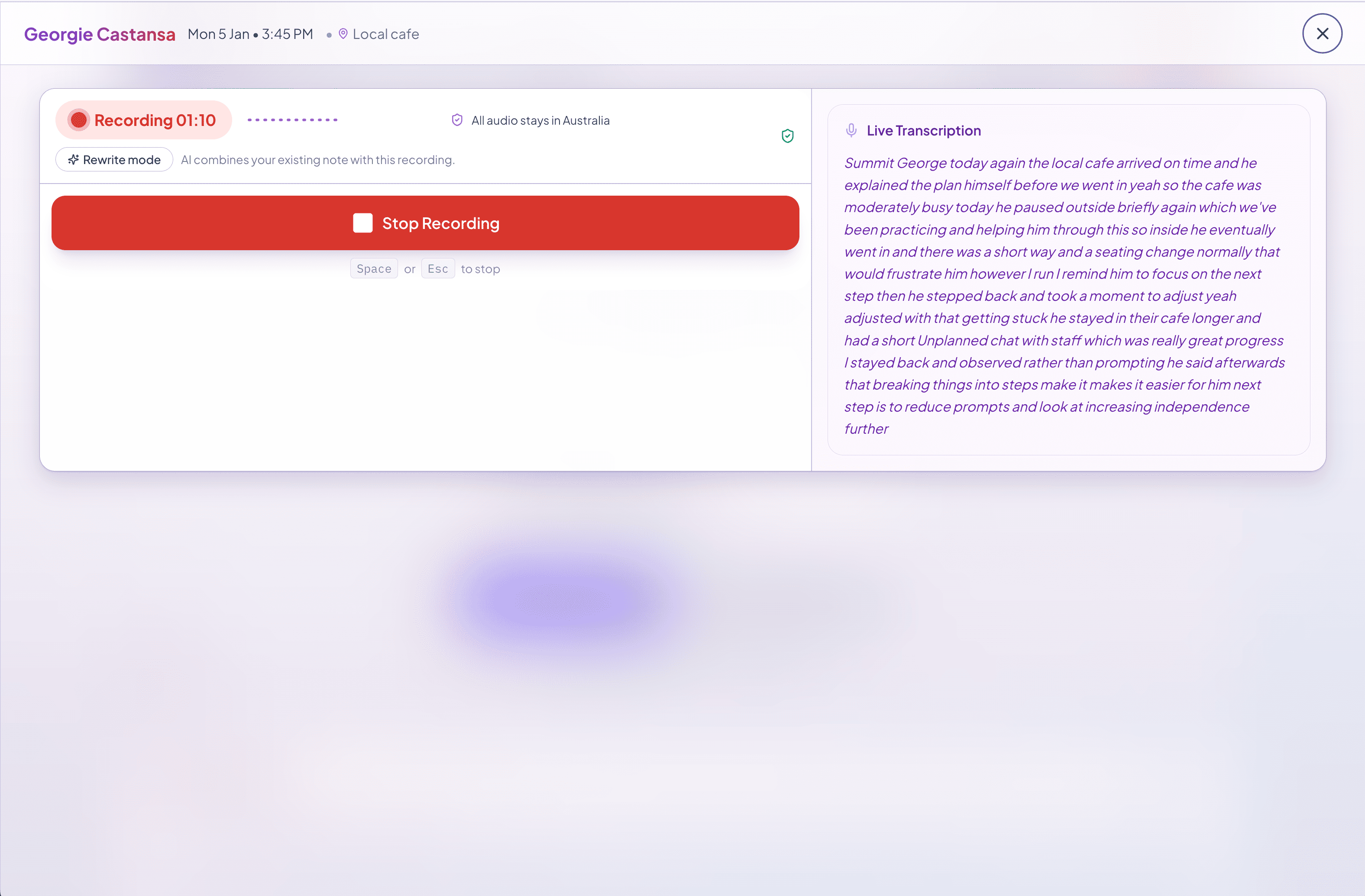
Start with what happened.
Speak, type, or paste your session recap from Today or the client record.
02 · Review
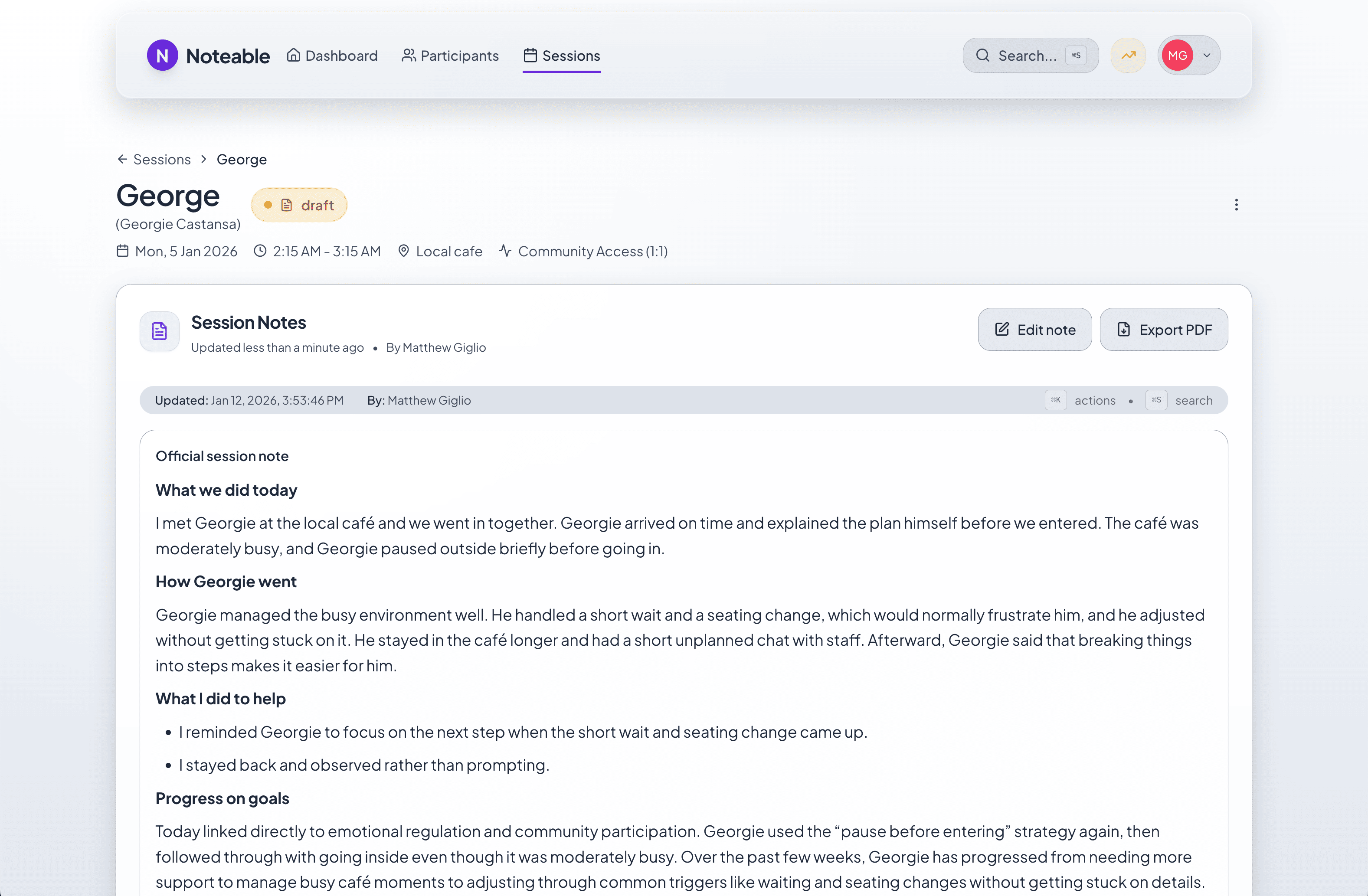
Make the draft your own.
Check the structure, correct the details, and review the suggested goal links before finalising.
03 · Keep
Build on the finished note.
Return to the session record for client context, handover, and progress reporting.