Build the report from the sessions you recorded.
Draft progress reports from session records and linked goals. Review the summary and its sources before sharing or exporting.
14 days free. No card required. You review every note.
Reports assembled from linked session evidence.
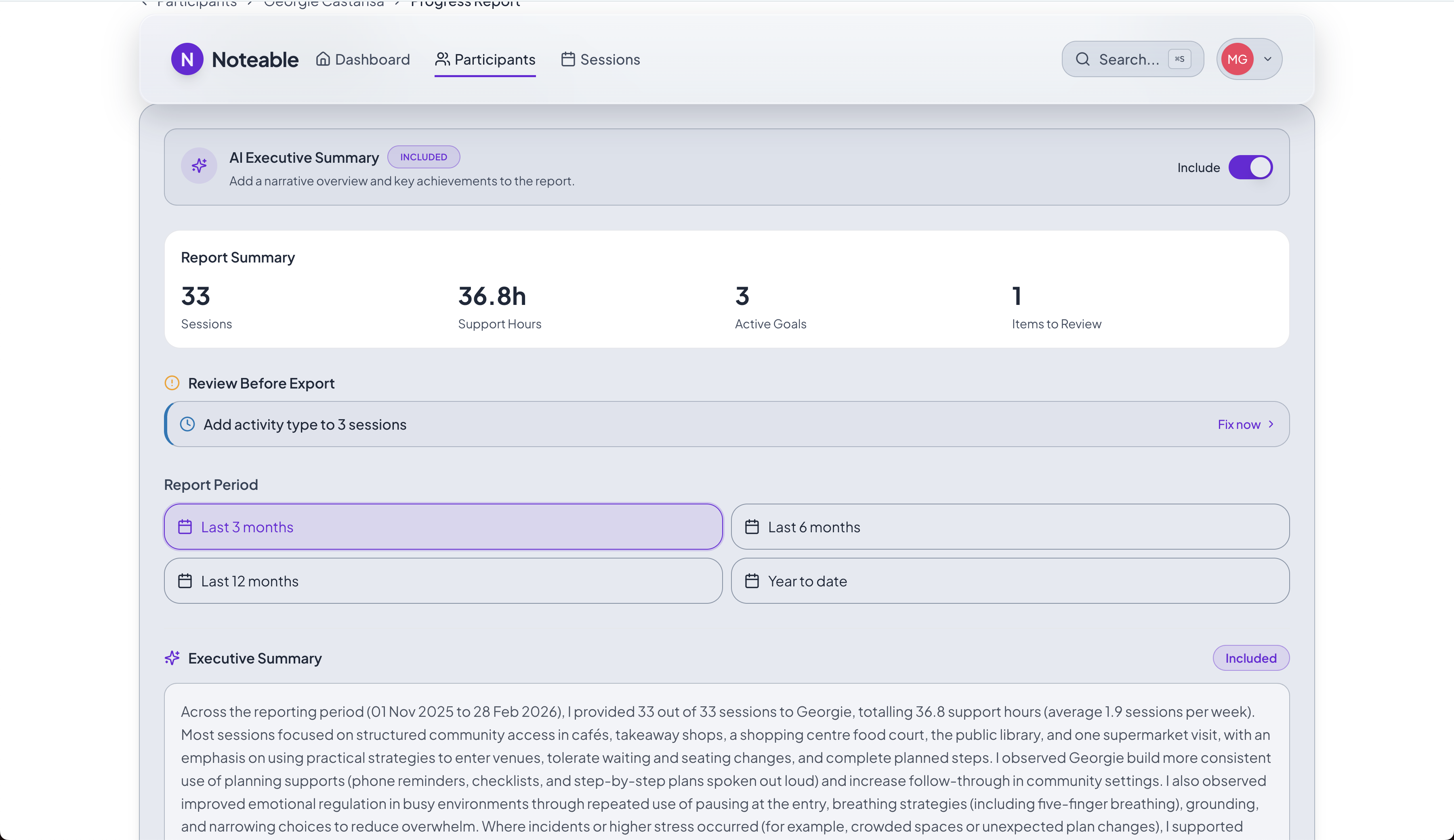
01 · Select
Start with the relevant sessions.
Use the client record and reporting period to bring the available evidence together.
02 · Review
Check the account of progress.
Read the draft alongside the source sessions. Edit it to reflect your professional judgement.
03 · Share
Export a record you can explain.
Produce the reviewed report with its supporting evidence for the people who need it.