Rough capture
What you actually said
“Community access after lunch. Grocery shop — she found eight items from the list. Needed one prompt at self-checkout. Said she felt proud. Follow up the budgeting spreadsheet next week.”
NDIS note-taking tool
Best for sole traders and small NDIS providers who want their session notes to build a lasting client record — with memory, goals and traceable evidence — while keeping invoicing and scheduling elsewhere.
Finish is how you get through the door. The reason to stay is Remember: what happened last time, what works for this client, what needs following up, which goals you are working toward, and what has changed. Prove is provenance — why this record says what it says — not a self-audit PDF pack.
14-day trial. Starts when you generate your first draft. No credit card. You review before anything is final.
Rough capture
“Community access after lunch. Grocery shop — she found eight items from the list. Needed one prompt at self-checkout. Said she felt proud. Follow up the budgeting spreadsheet next week.”
Structured draft — you still review
A session record that keeps the facts you captured, links the work to the relevant goal where that goal is already on the client record, and leaves a trail you can inspect. If the draft adds language you did not stand behind, you change it. The point is not automatic compliance. The point is a reviewed record you can produce and explain later.
How it works
Capture
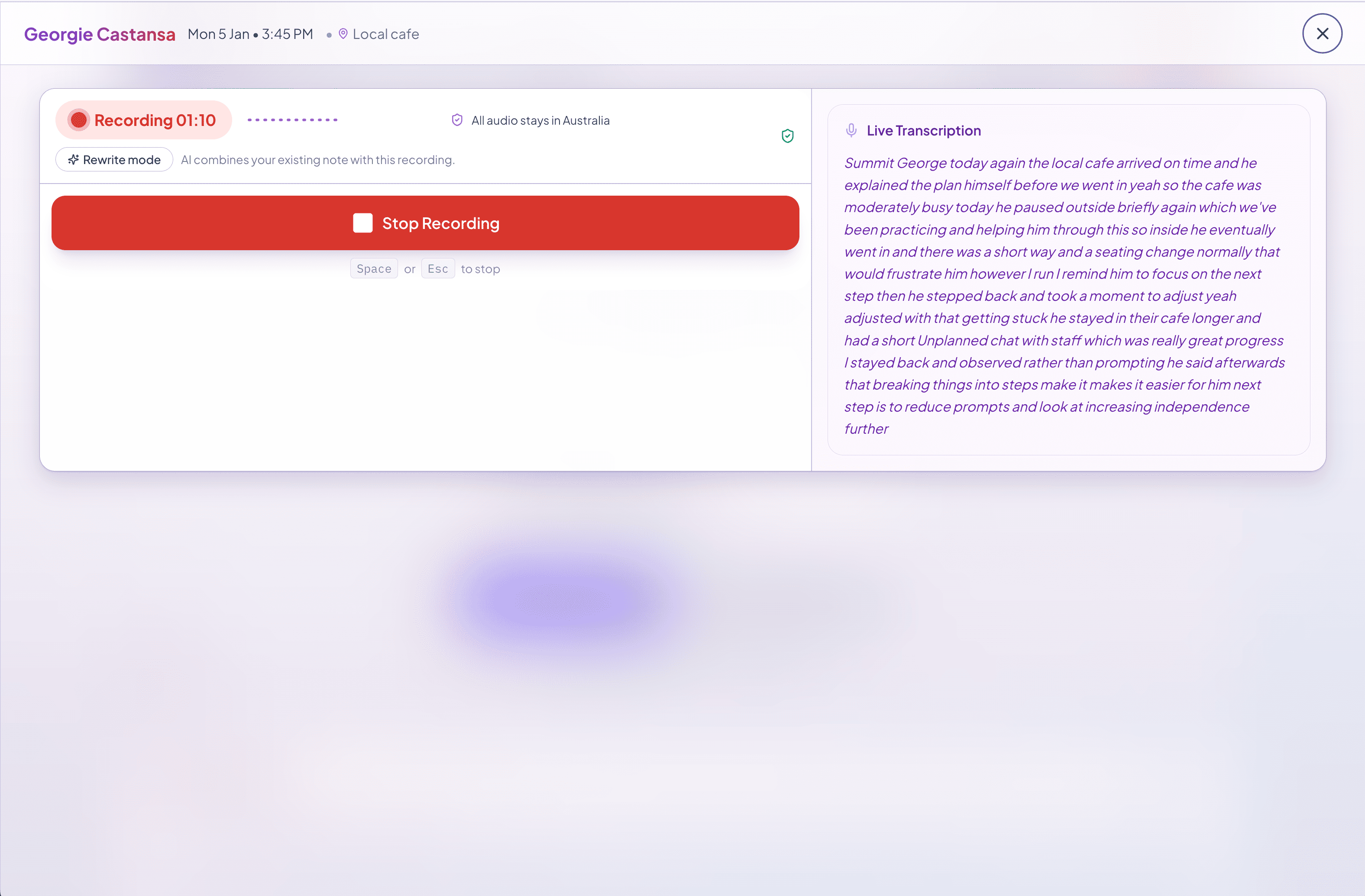
Voice-to-note or typed capture while the session is still fresh. You do not have to race anyone on seconds. You do have to get the facts down before they thin out.
Review
Noteable structures the capture into a session-note draft. You check it, edit it, and finalise it. AI output can be wrong. Nothing is final without you.
Remember and explain
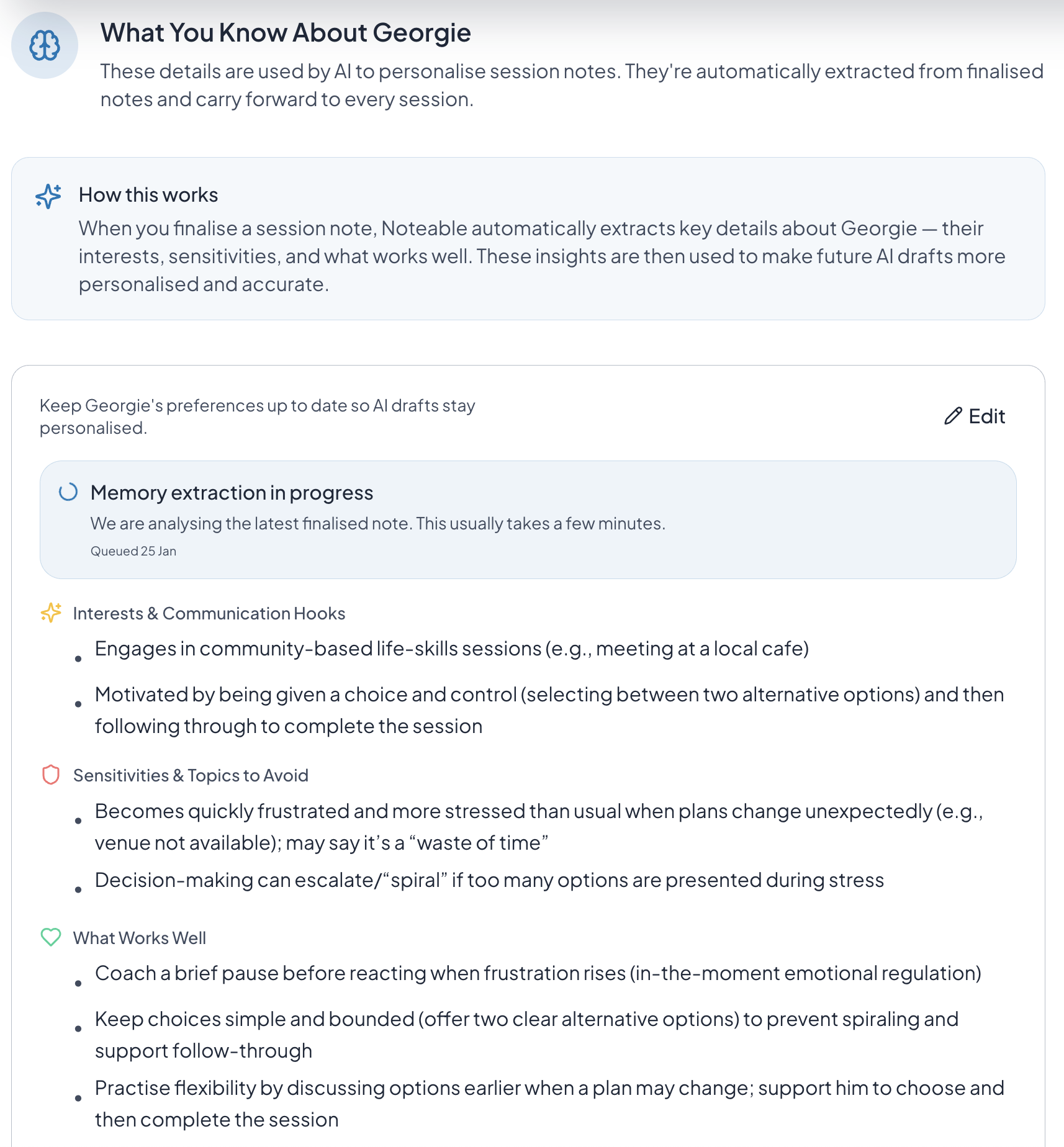
Client memory keeps what happened last time, what works, follow-ups, and what changed. Goals stay linked. Generated claims can be traced to session evidence. You can produce the record later and explain why it says what it says.
Not for you if
Shifts, invoices, NDIS rates, service agreements, and a self-audit export belong in tools built for that job — typically Sparks Scribe or Clio Care for an independent worker.
If you are filling a roster, matching workers to shifts, and running a care operation, look at ShiftCare. Noteable does not roster.
A paste-in rewriter can tidy language. It will not remember the client next week or keep who changed the record.
Where each option tends to win
Details below were checked against public product pages in August 2026. Empty or cautious cells mean we could not verify the claim. Read the 2026 comparison.
Horizontal comparison table. Focus this region, then use arrow keys or scroll to see every column.
| Area | Noteable | Sparks Scribe | Clio Care | ShiftCare | Free rewriter |
|---|---|---|---|---|---|
| Best for | Sole traders and small providers who want the lasting client record. | One independent support worker running notes, invoices, and the week in one app. | Independent workers who want notes plus calendar, invoicing, expenses, and tax. | Agencies and providers that need rostering and care operations. | A one-off rewrite you will paste into another system. |
| Voice or typed capture | Yes, then you review the draft. | Yes, typed or spoken AI-assisted notes. | Yes, speak or type. | Dictate then rephrase — confirm on their current help pages. | Paste rough notes into a rewriter. |
| Client memory across sessions | Yes — last time, what works, follow-ups, what changed. | Not verified on public pages. | Participant profiles; lasting “what works / last time” memory not verified as Noteable describes it. | Operational client records inside a care platform. | No. It does not keep a client record. |
| Goals and evidence on claims | Goal linkage and a trail from generated claims to session evidence. | Not verified on public pages. | Publicly describes goal linking and reports from signed notes. | Care and plan tracking inside operations software. | Optional goal-type buttons on the rewriter. Not a longitudinal record. |
| Invoicing, calendar, self-audit PDF pack | No. Keep those elsewhere. | Yes, including a Safeguards self-audit export on the higher tier. | Yes — calendar, invoicing, expenses, tax, reports. | Yes — rostering, billing, and operations. | No. |
| Room to add another worker | Same product, per active user, without becoming a rostering system. | Built for one independent worker. No per-user model. | Built for the worker who is their own provider. | Designed for organisations and teams. | Not a workspace. |
Australian hosting: Noteable clinical records sit on AWS Sydney. Confirm each other vendor on their current privacy page.
FAQ
For independent NDIS providers and small teams who want the record — not another admin platform.
Noteable is an Australian NDIS documentation tool for sole traders and small providers. Speak or type what happened. Review a structured session-note draft. Keep client context, goals, and a traceable record you can export later. It does not replace scheduling, invoicing, or NDIA claiming.
People search for NDIS support worker notes, NDIS session notes, and NDIS progress notes — they often mean the same record. Noteable is built for sole traders and small NDIS providers who need that session record to accumulate: what happened last time, what works, what needs following up, and which goals you are working toward. It is not positioned as a support-worker invoicing or rostering app.
Yes. Capture by voice or typing, then review, edit, and finalise the draft from your phone. Noteable is web-based. A draft is not final until you accept it.
Choose an all-in-one app if you want shifts, invoices, NDIS rates, service agreements, and self-audit PDFs in one place. Choose Noteable if the client record itself is the priority — session notes that build memory, goals, evidence, and history — while invoicing and scheduling stay in the tools you already use. The same record can support a second worker later without turning Noteable into rostering software.
Clinical records are hosted in Australia on AWS Sydney. Optional marketing analytics (if you allow them) may be processed outside Australia. Drafts produced with AI can be wrong — you review them before use.
Solo is A$29 per month. Teams use the same product at A$29 per active user per month. The 14-day trial starts when you generate your first draft. No credit card. You review before anything is final.
Still have questions? Email us at hello@noteable.com.au
Ready to see it?
Capture a session, review the draft, and finish before you leave — with a session record you can produce later. Claiming stays in the tools you already use.
14-day trial. Starts when you generate your first draft. No credit card. You review before anything is final.