- Reviewable evidence trail
- Records hosted in Sydney, Australia
- Export your data anytime
- Built for Australian NDIS providers
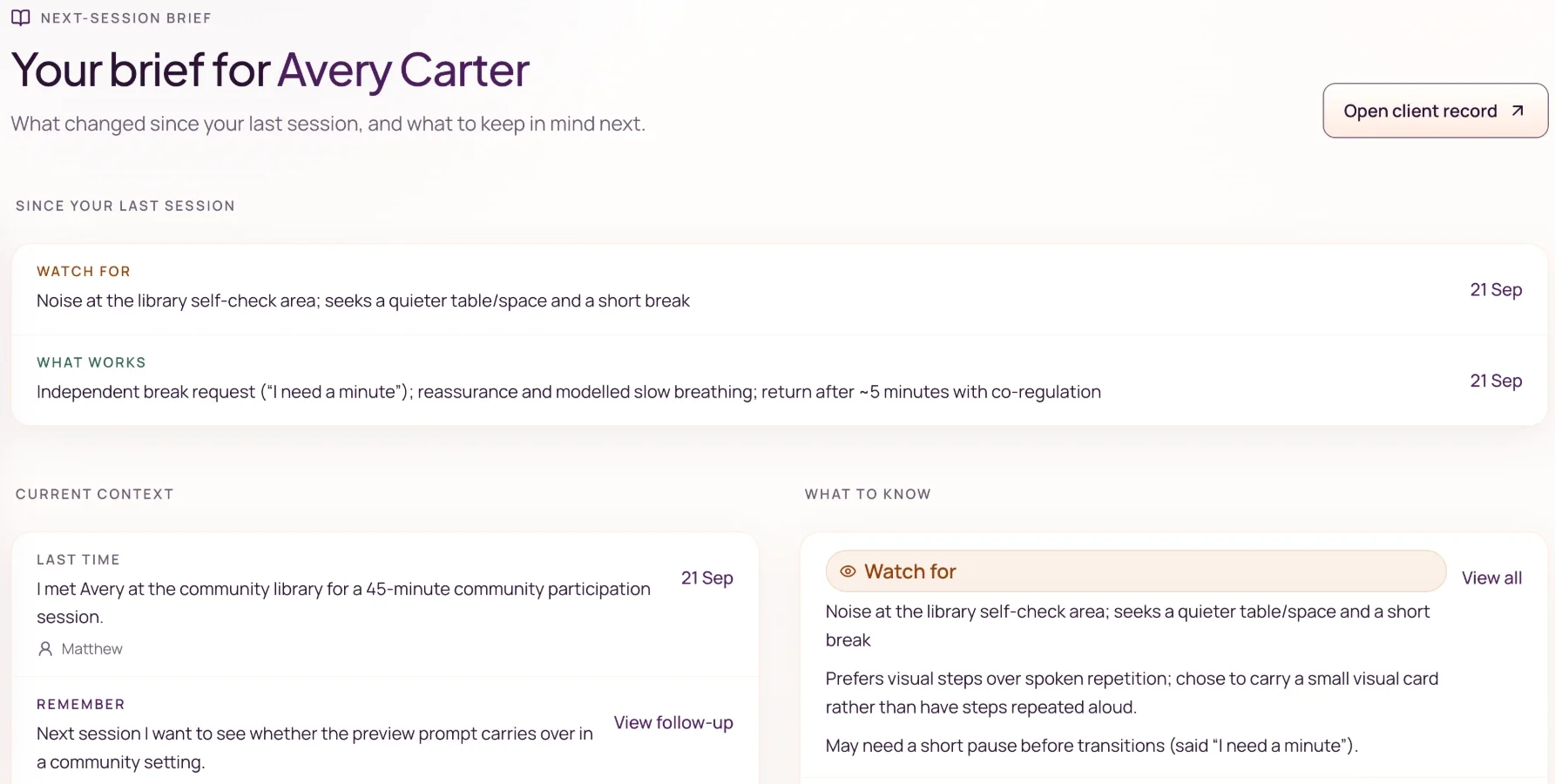
Your brief for Avery Carter
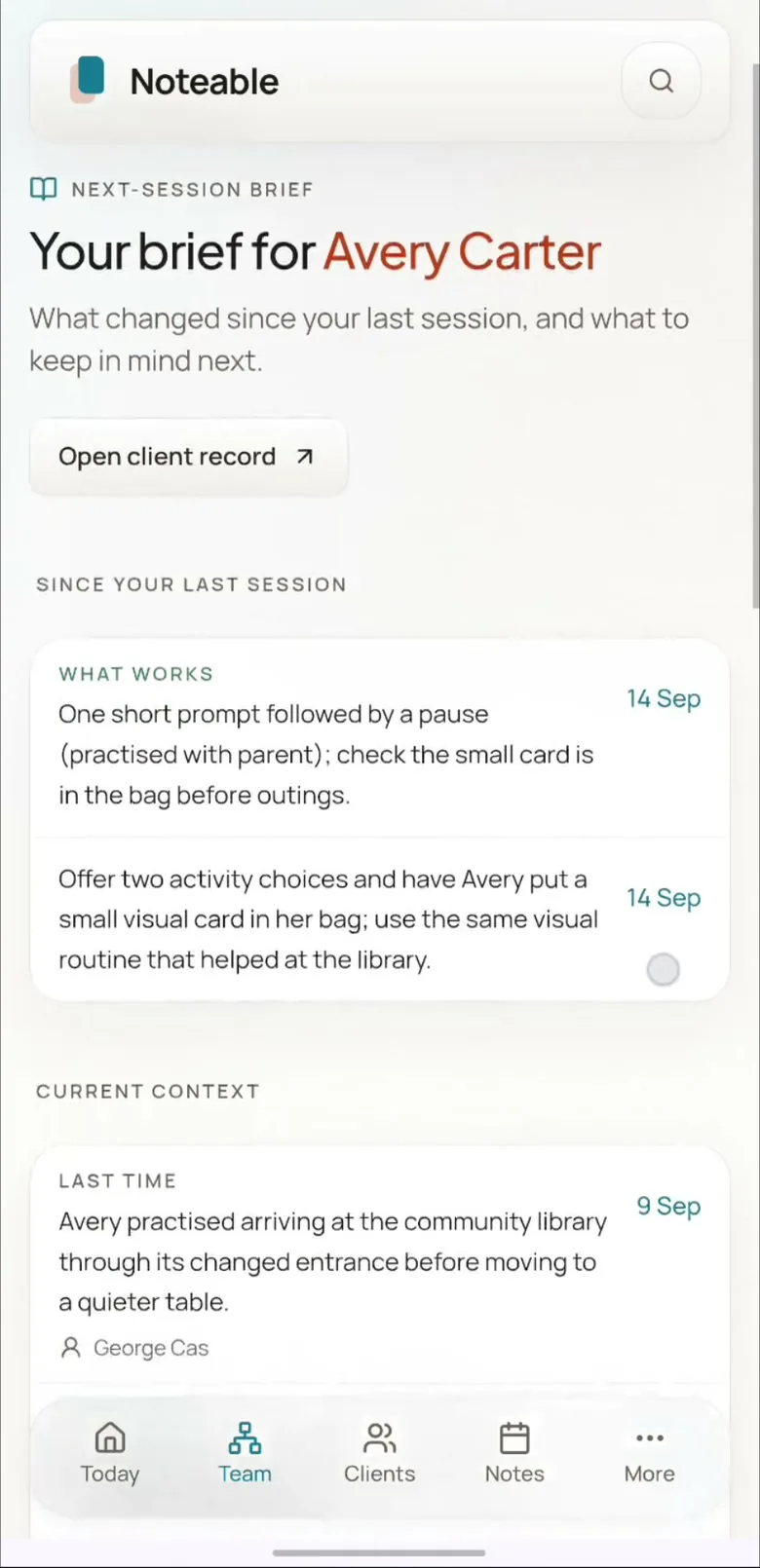
What changed since your last session
Watch for
Noise at the library self-check area; seeks a quieter table or space and a short break.
What works
Independent break request (“I need a minute”); reassurance and modelled slow breathing; return after about 5 minutes with co-regulation.
Last time
I met Avery at the community library for a 45-minute community participation session.
Remember
Next session I want to see whether the preview prompt carries over in a community setting.
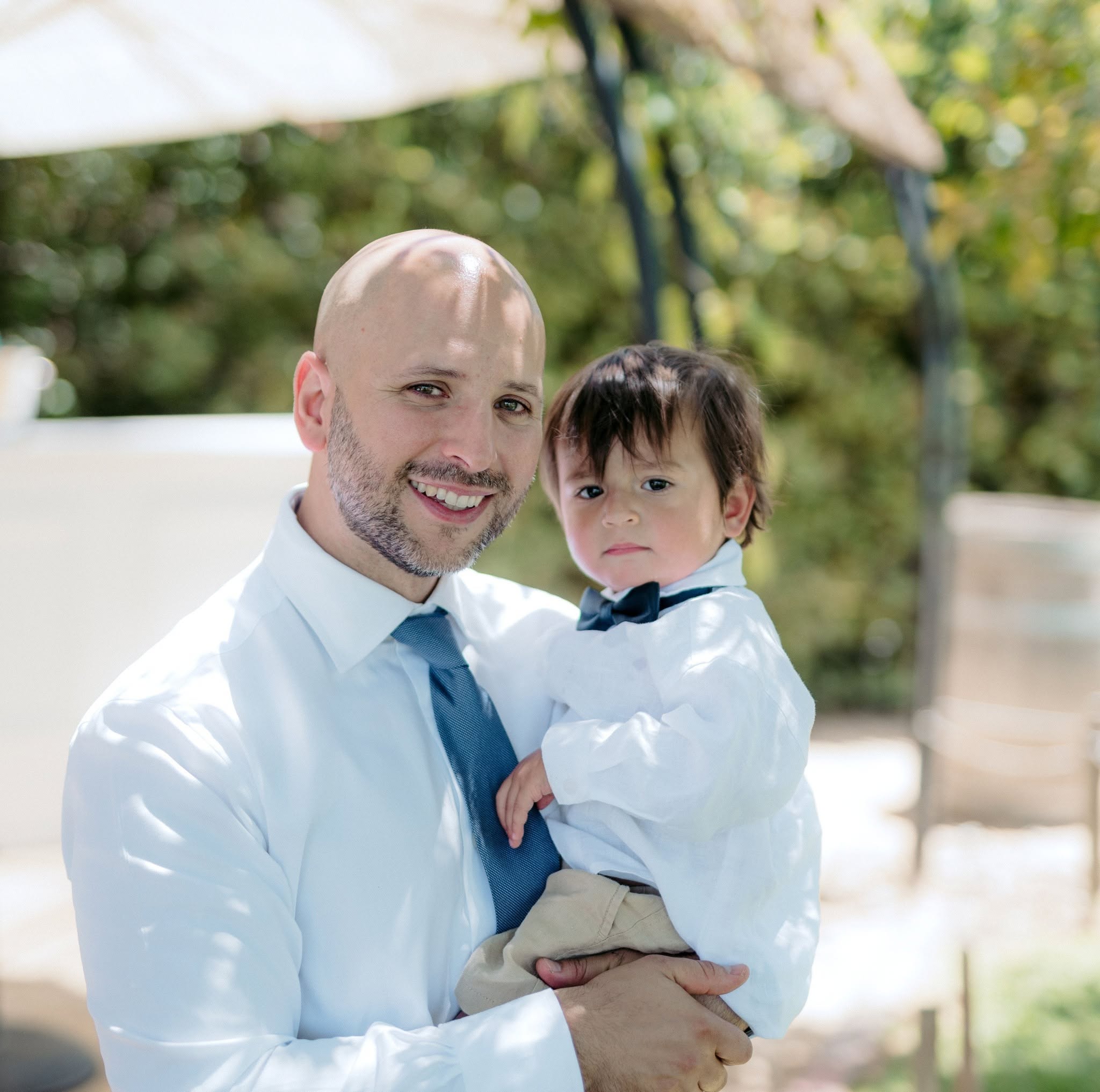
A note from Matt
I’m Matt, Noteable’s founder in Adelaide. As a parent, I want the people supporting my child to understand what has happened and what needs following up. I built Noteable to help make session notes useful to the next person, not just finished.
FAQ
Before you invite your team
Access, review, trial terms, and what stays in the tools you already use.
Who can see a client’s notes?
Access follows your workspace roles and client assignments. Shared records are for colleagues authorised to access that client, not automatically everyone in the organisation.
Are we editing one document together?
Each session has its own author and review process. Sharing happens through the client record and its confirmed context, rather than several people typing into one document.
Does AI decide what becomes part of the record?
No. You review and finalise session drafts, and review suggested client details before confirming them. AI output can be wrong. Check it against the session information and your judgement.
Do we have to replace our existing software?
Keep billing, payroll and NDIA claiming in your existing tools. Use Noteable for the reviewed notes and shared context described here. During your trial, check how your team will move notes between systems, including any copying or exporting. Confirm whether automatic syncing is supported before relying on it.
What does the trial include, and what happens afterwards?
The standard trial lasts 14 days from your first generated draft and supports up to five members without a card. Afterwards, the workspace becomes read-only until the owner upgrades. Base is A$29 per active user per month, including GST. Paid workspaces support up to 15 members.
Where are records stored, and can we export them?
Client records and workspace data are hosted in Sydney. Third-party AI providers may process content used for drafts and summaries. You can export records; check the Privacy Policy for processing, retention and deletion details.
Still have questions? Email us at hello@noteable.com.au